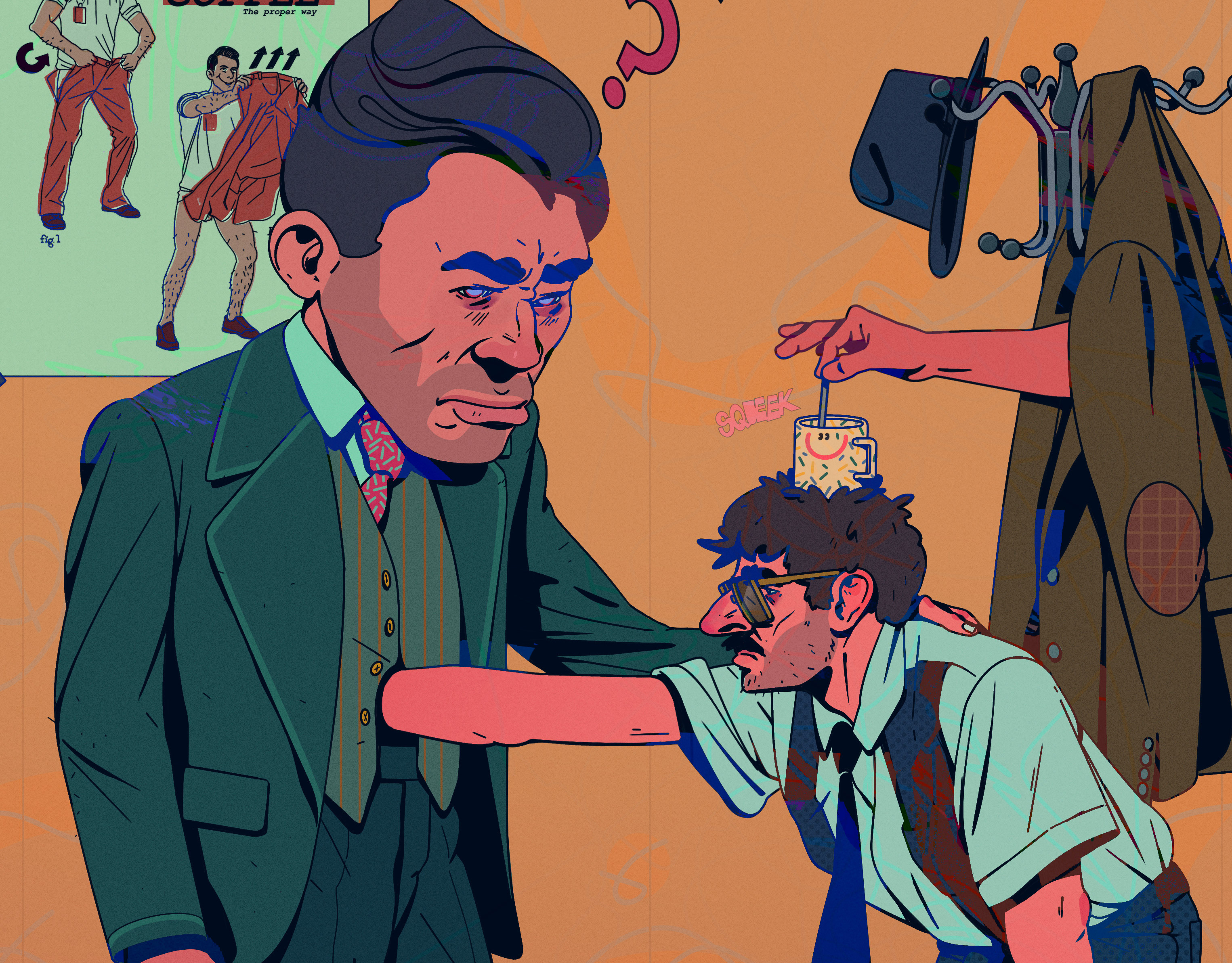
For some time, I’d been interested in trying out mixed-media animation. I already had experience working digitally, painting over a handful of frames to create glitch-like transitions in my animations. Doing this process analog, however, always felt like something I didn’t quite dare to try.
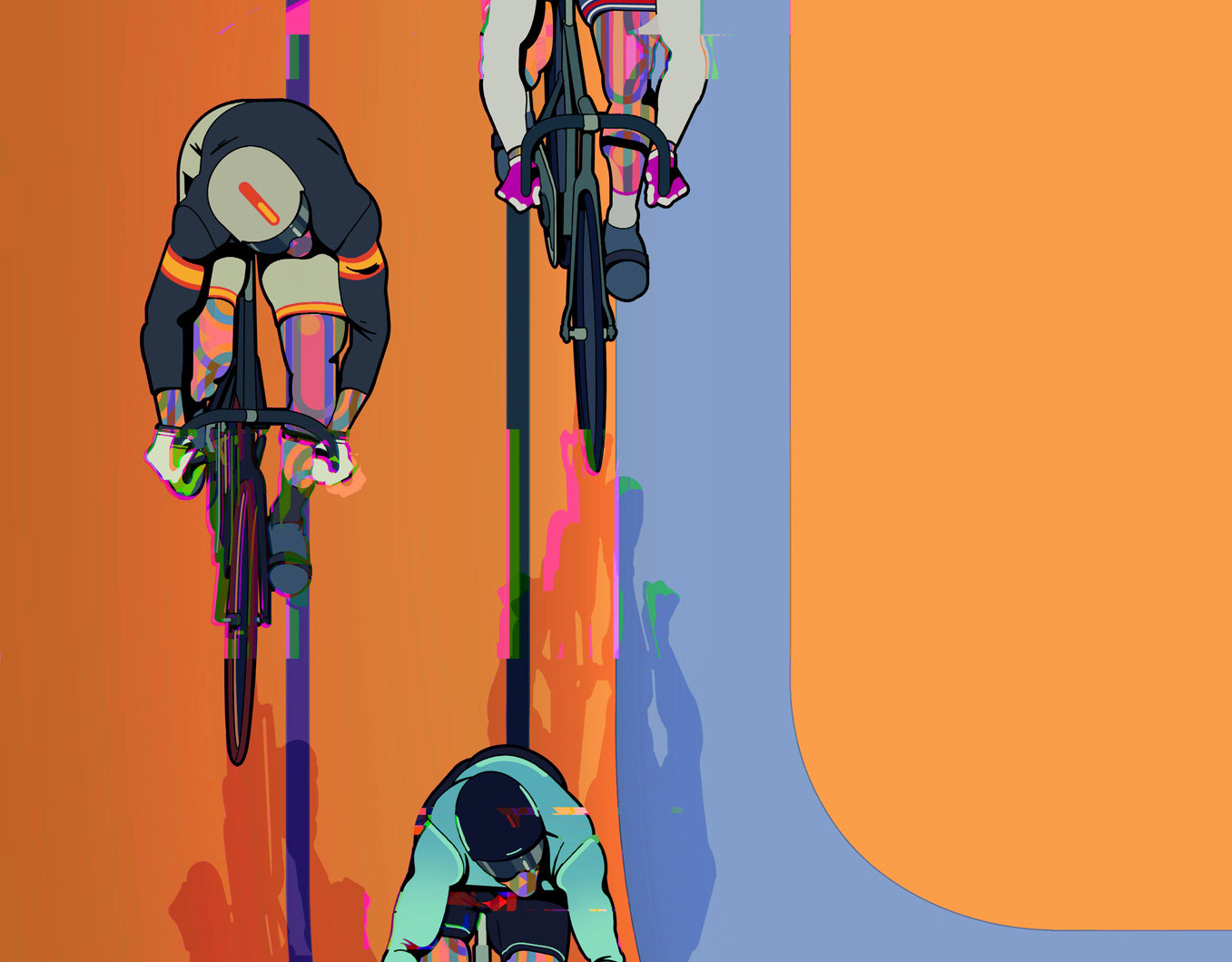
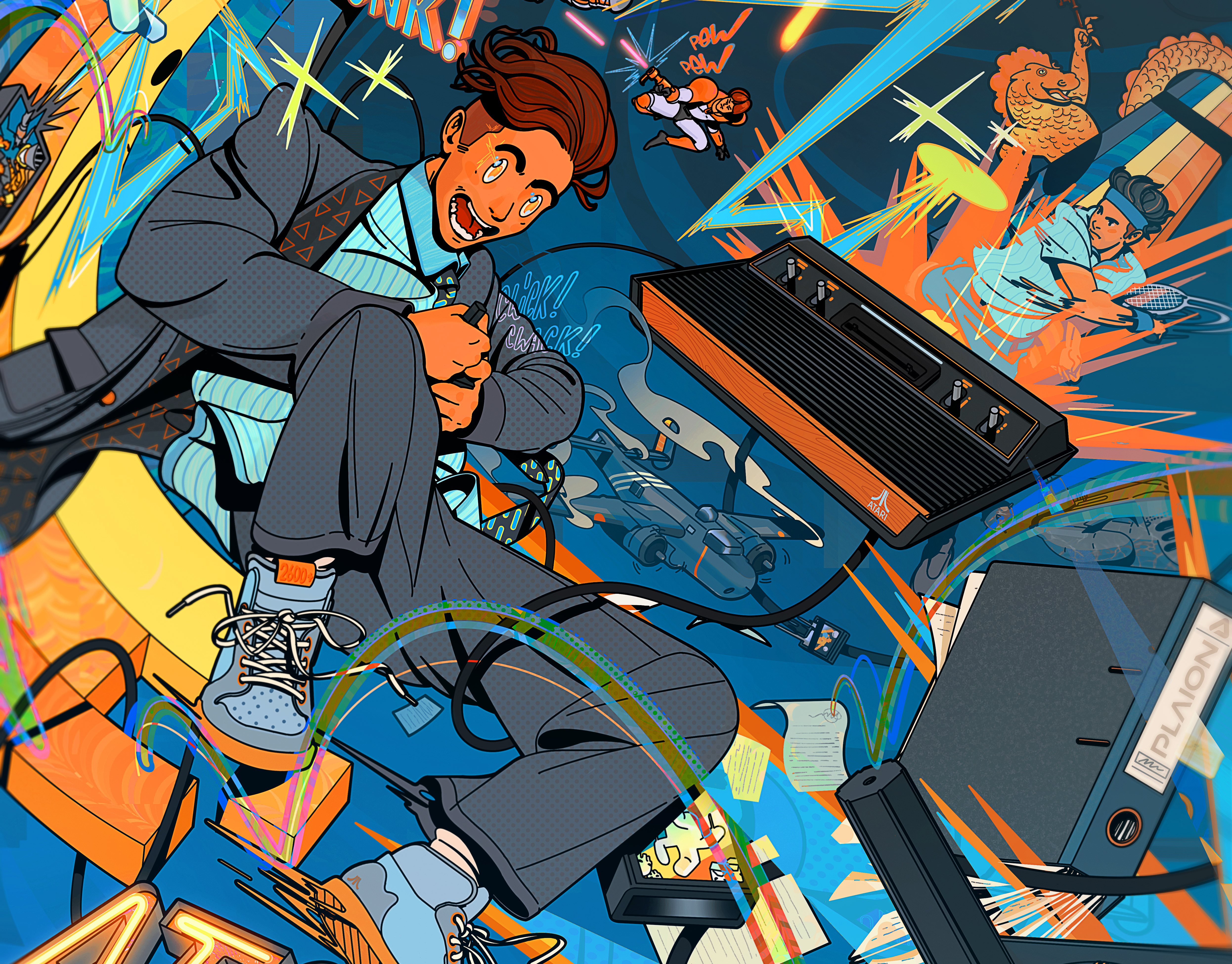
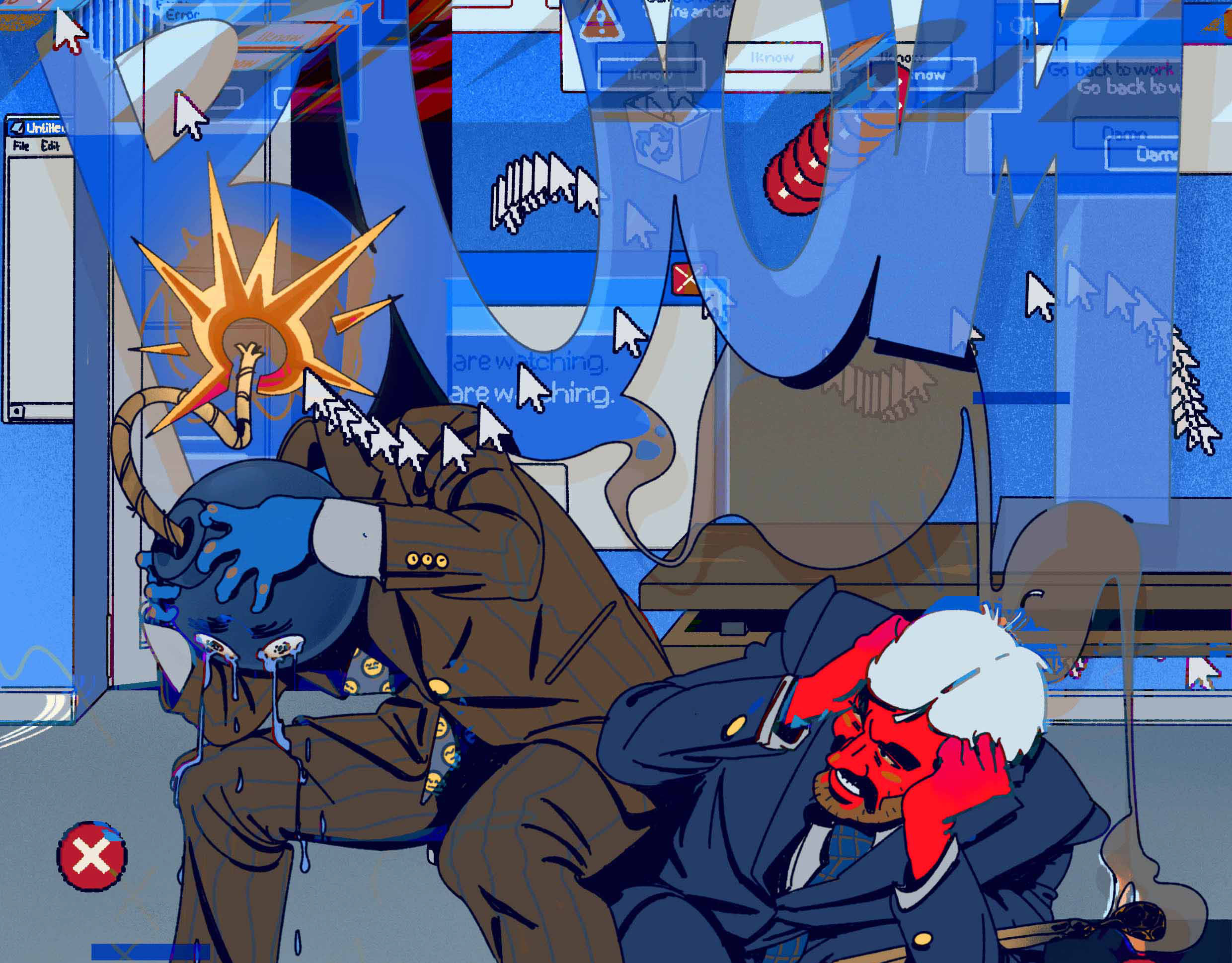
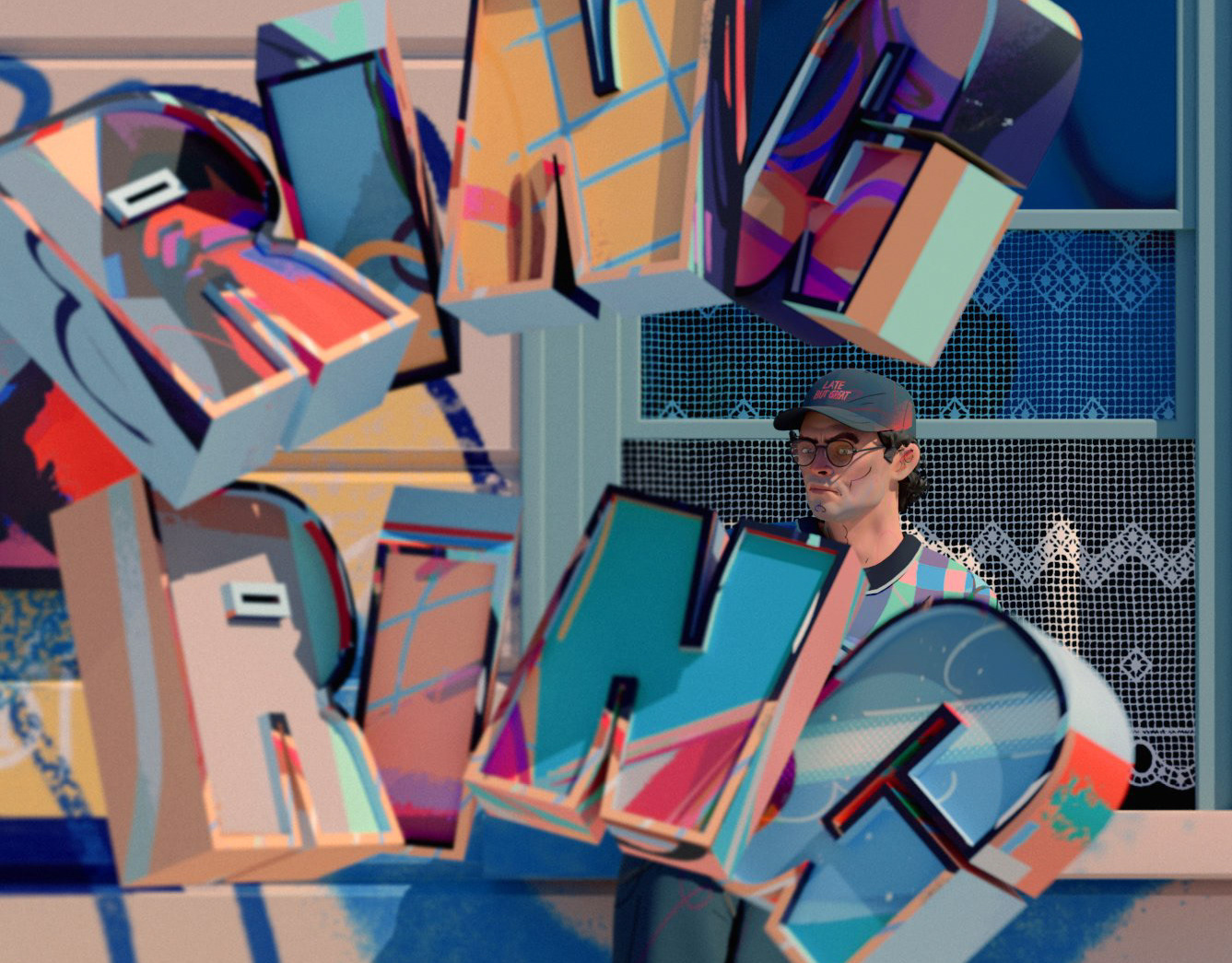
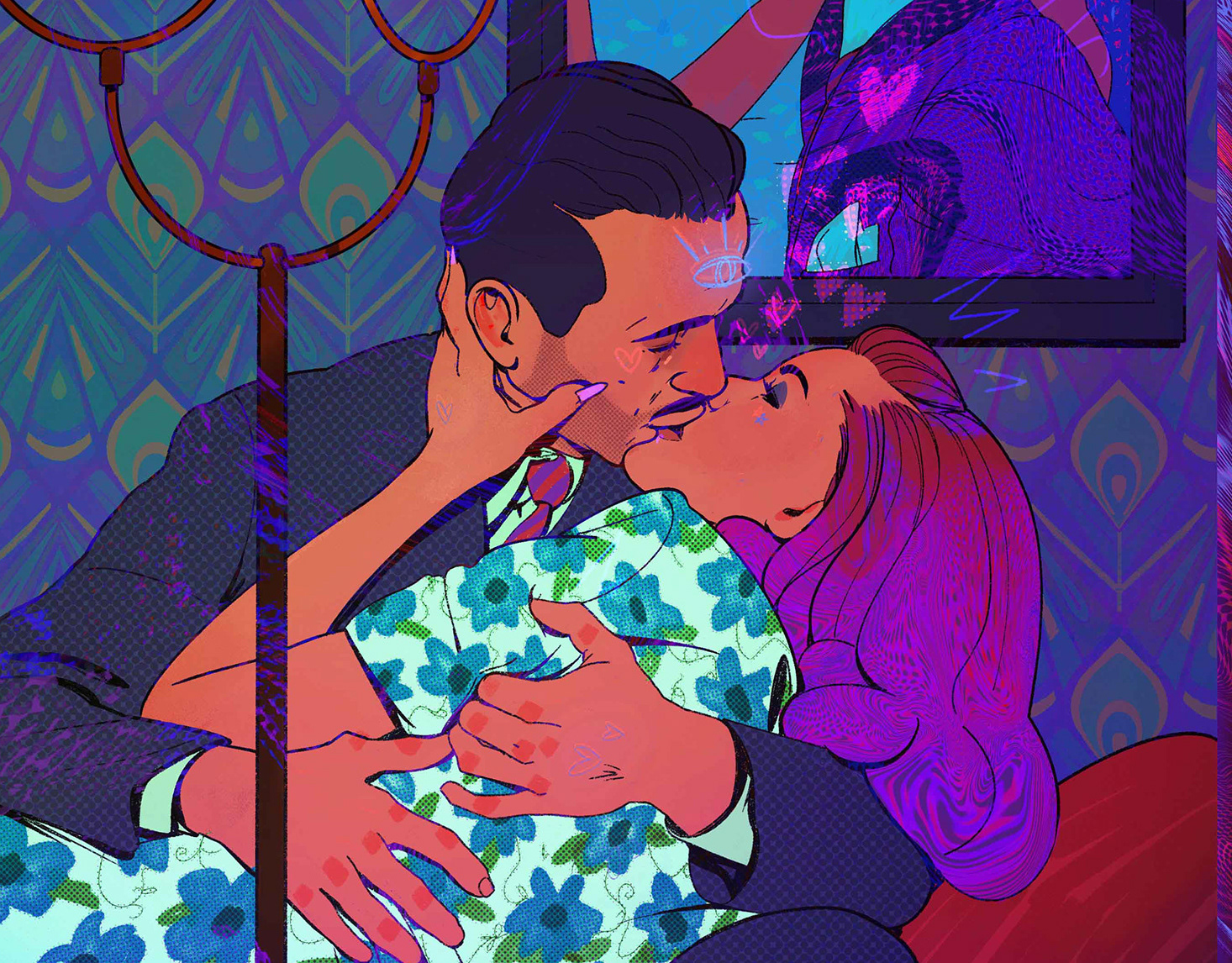
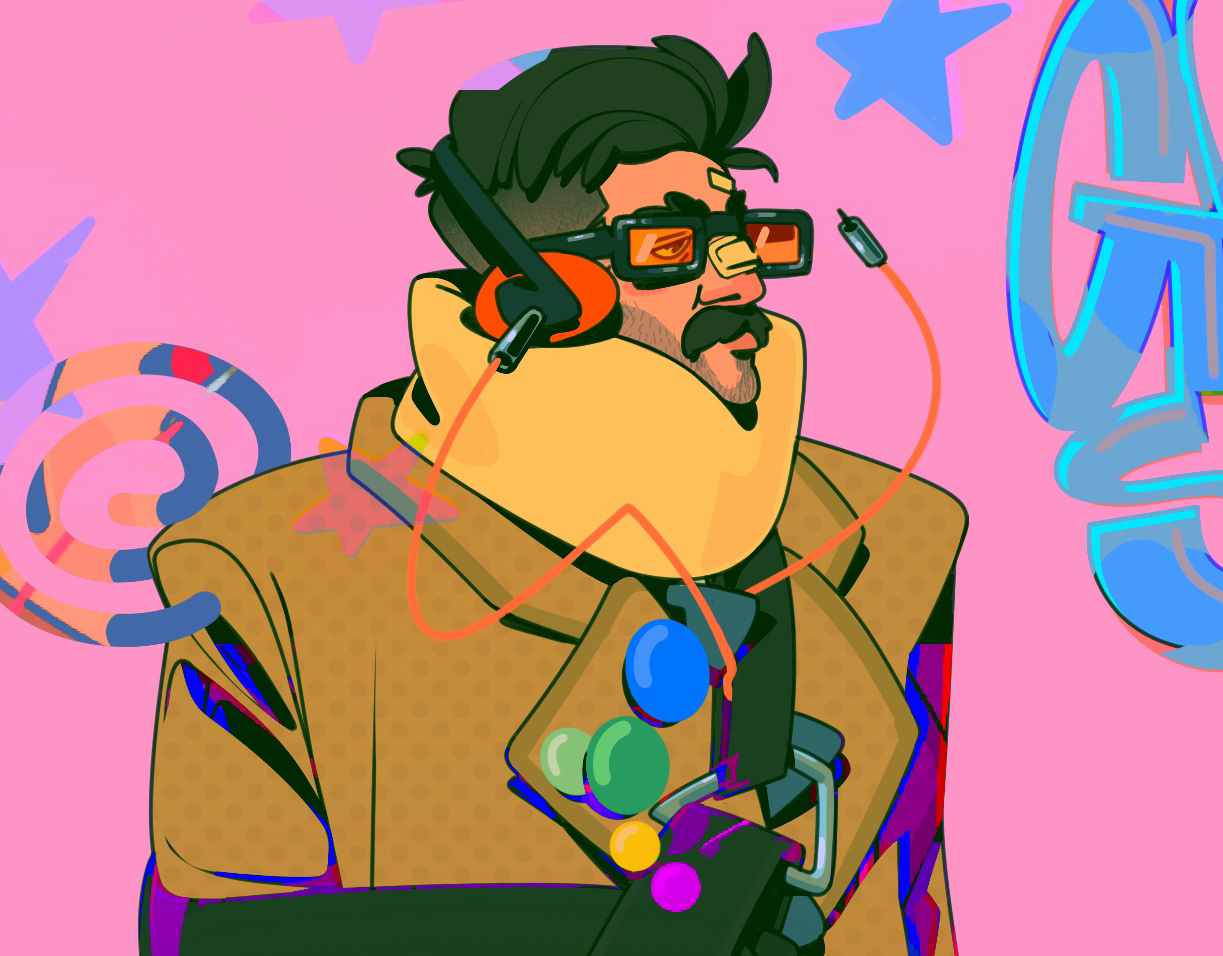
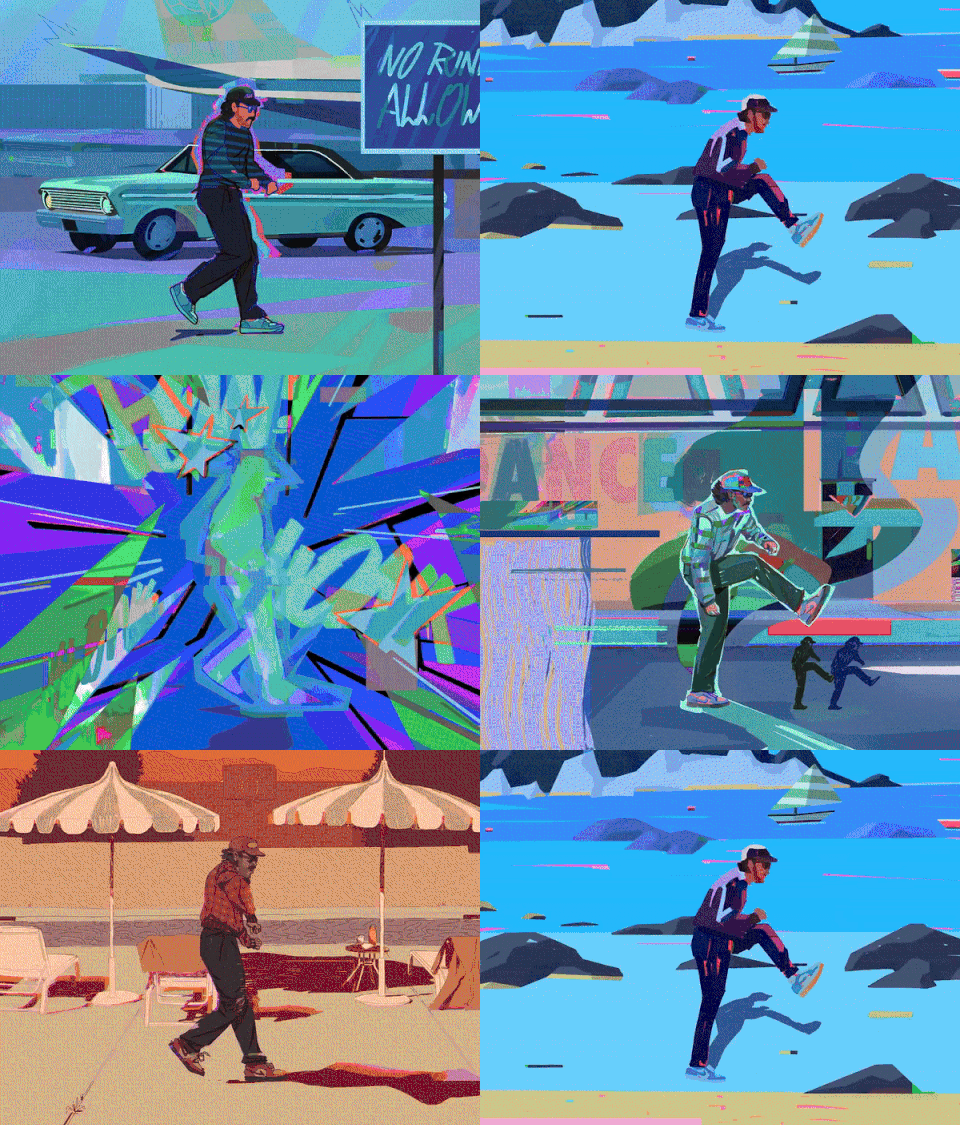
After tinkering with a few tests and planning a YouTube video about the process, I finally dove in and created "Die Serverwartung". Combining my well-established 3D style with printed, overpainted, and edited frames resulted in something truly unique, something I couldn’t have anticipated until the very end.
The first tests were done using a placeholder scene with clear shapes and high contrast. This choice was intentional, as I initially planned to work exclusively with a thermal printer, which typically produces the best results under those conditions. I quickly realized, however, that this approach limited the range of tools I could apply. As a result, I expanded the process to include regular printers as well, giving myself a more flexible base to work from.
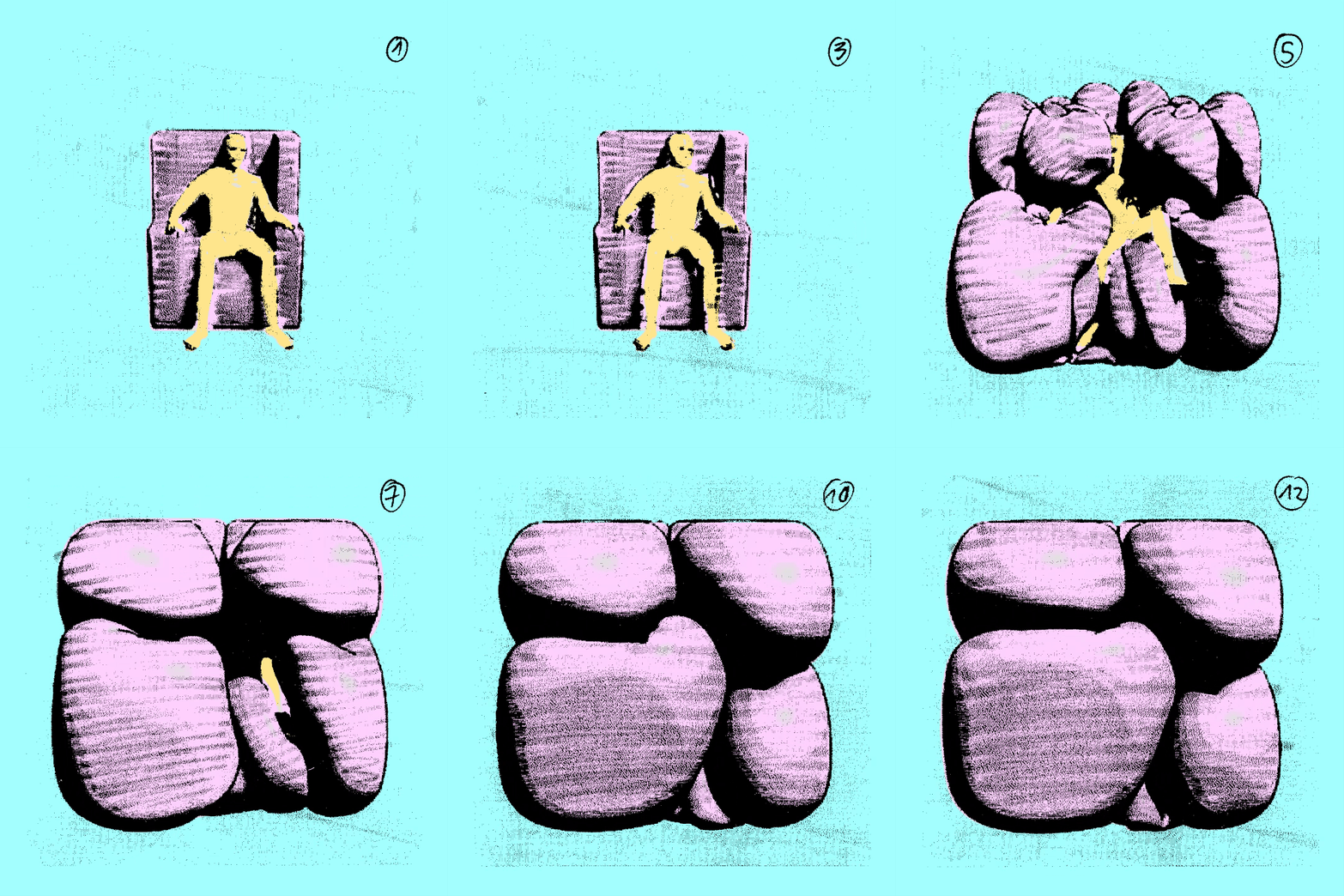
Thermoprinter Test
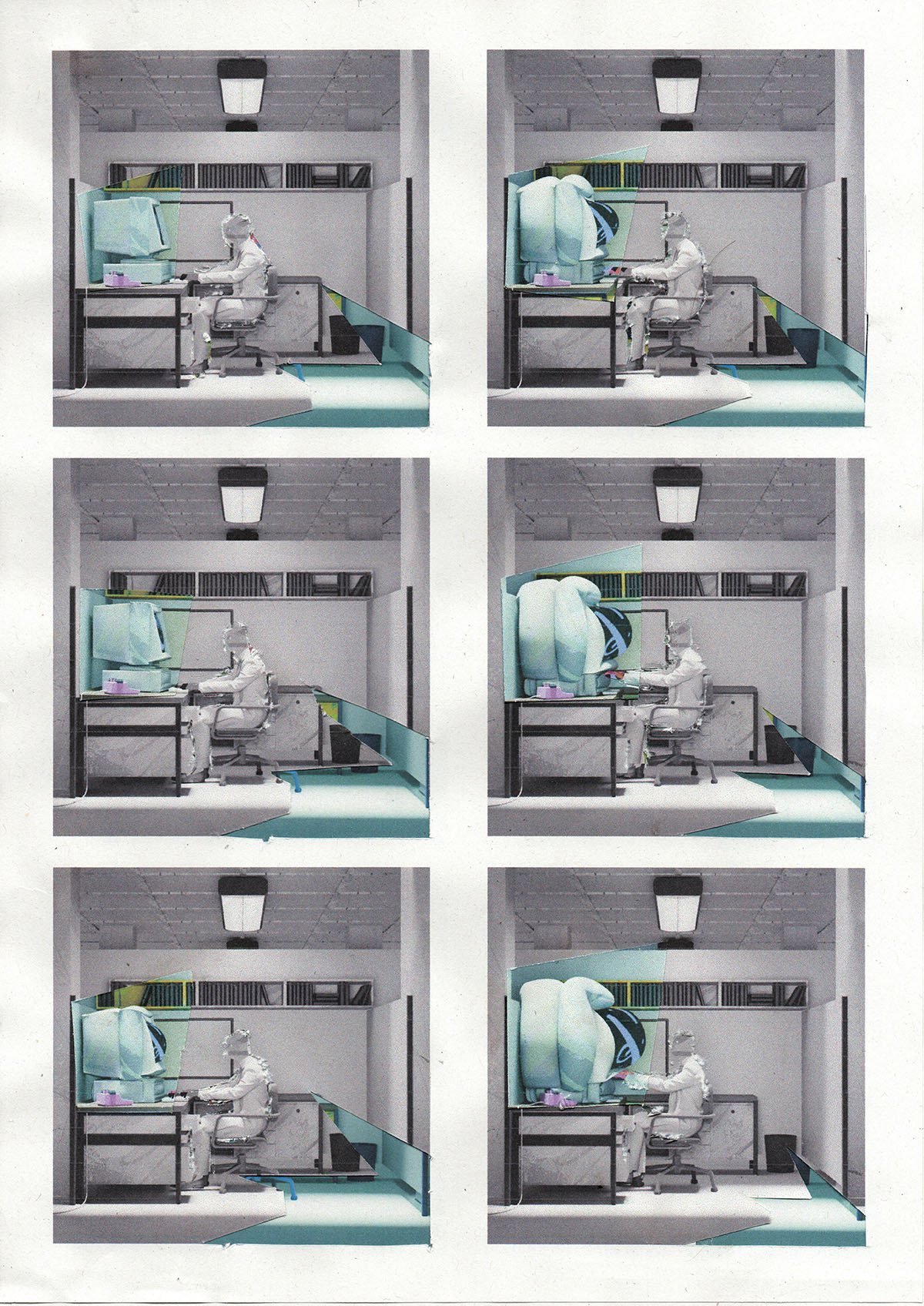
Regular Printer Test
Based on this I created a 5 step workflow that helped me move forward quickly even though I calculated that I will need to edit over 100 frames by hand.
1. Blender: Render flat 3D scene
2. Photoshop: Create different versions with varying contrast
3. Printing: Using a thermo and regular printer to get the frame base
4. Mixed Media: Overpainting, Cutting up, re-gluing all the frames with various tools
5. Scan and Edit: Scanning all the individual frames and adjust quality loss from the scan
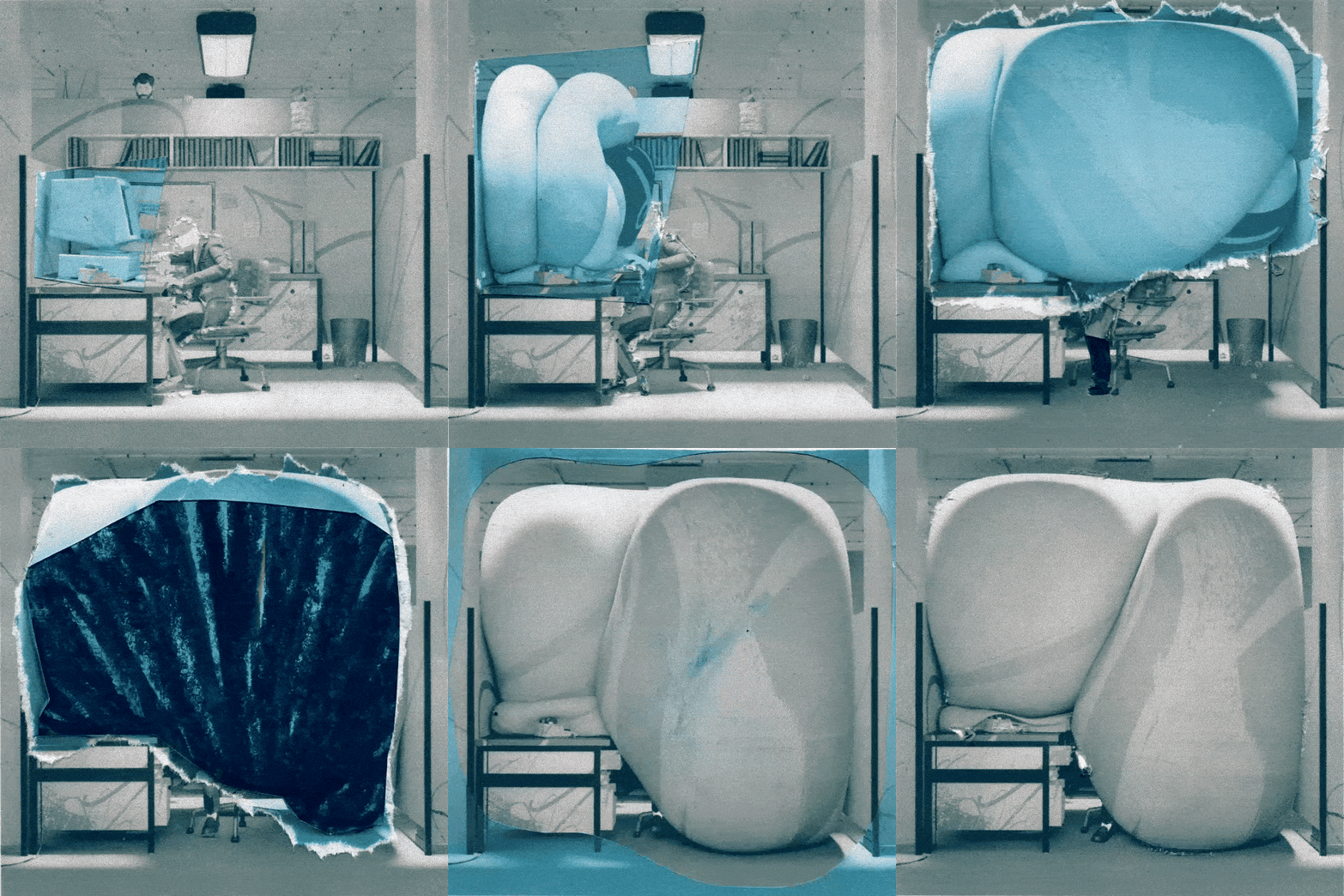
Regular Printer - Cut and Glue
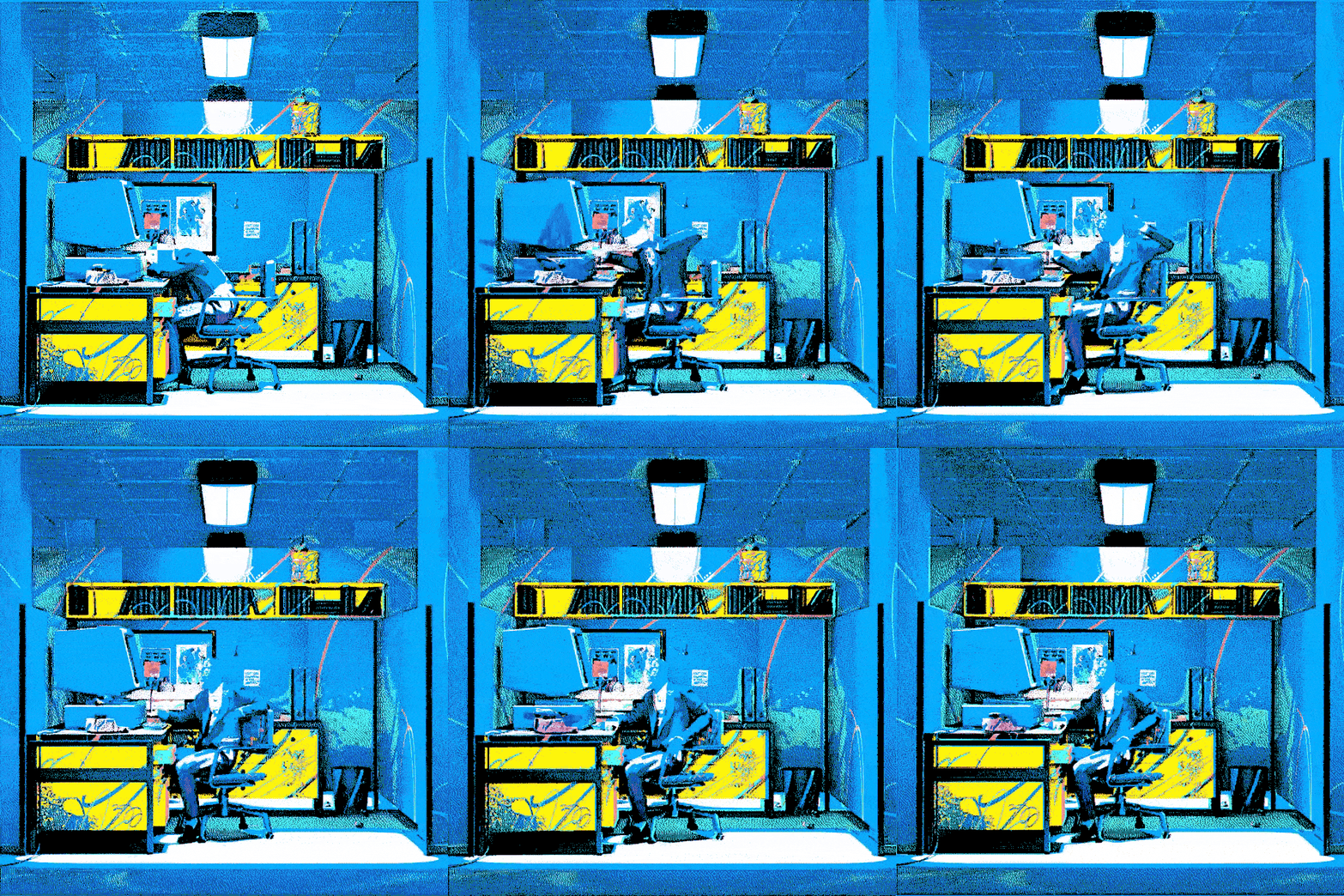
Thermoprinter - Combination with 3D Base
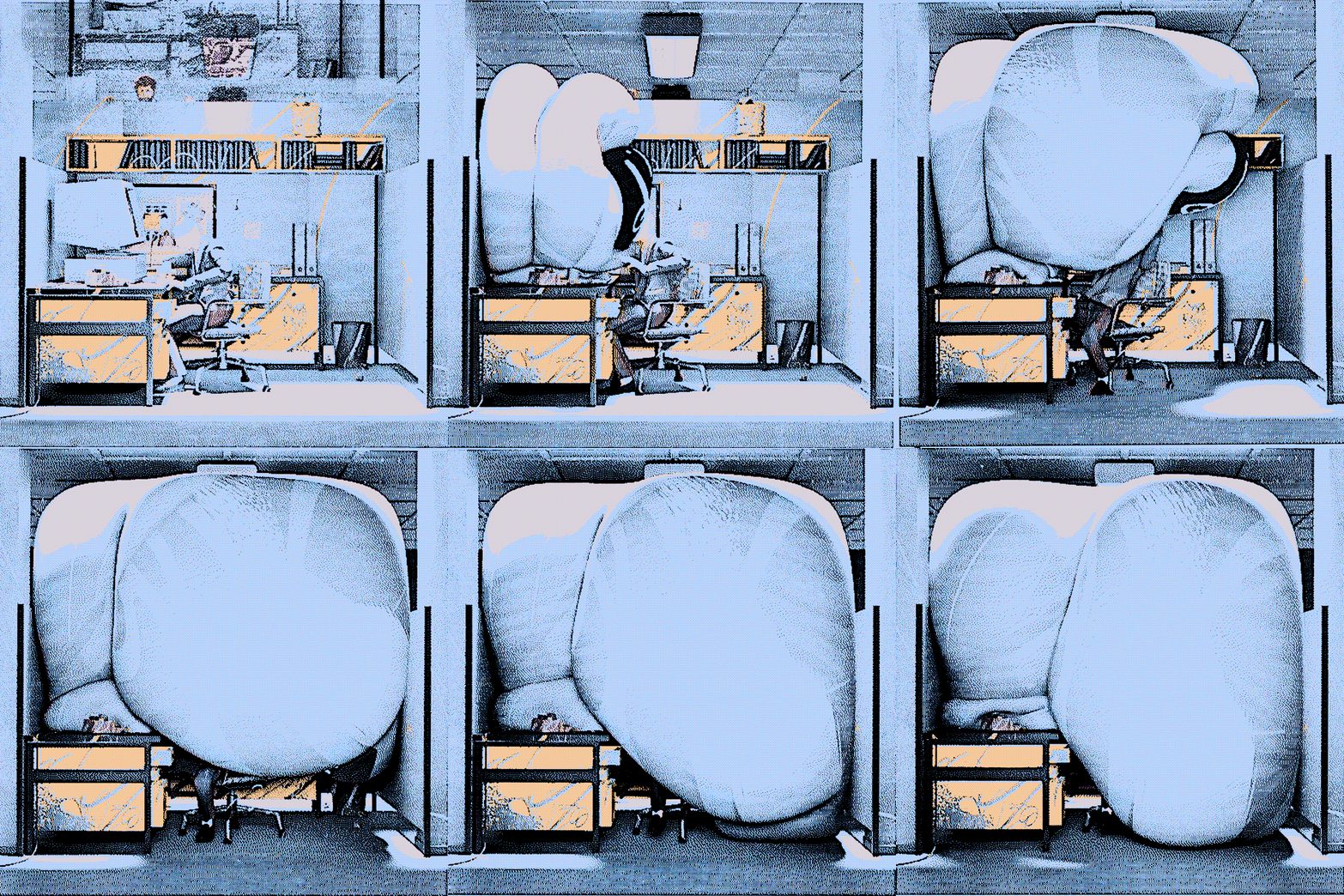
Thermoprinter - Combination with 3D Base
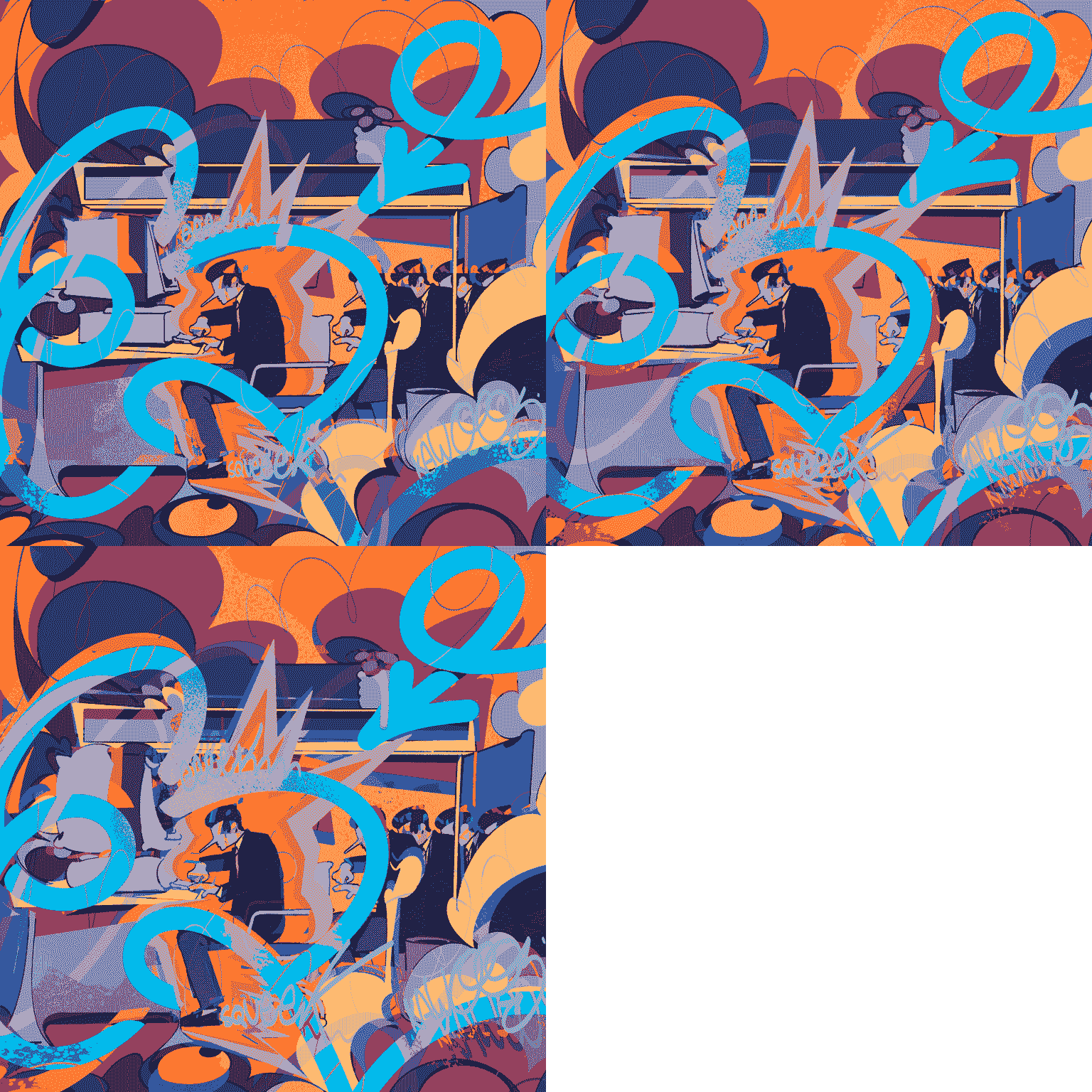
Digital Overpaint
To avoid a noisy end result, I used these edited frames only for key moments in the animation where it helped to support the story and pace. All in all it was a great exercise in using new tools and expanding the skill set.
Lastly I compiled my experience of the whole process in a YouTube Video, which you can check out below.